
From Idea to Production: Building Apps Faster with Cursor Agent and Supabase
Modern app development is no longer limited by frameworks or infrastructure—it’s limited by how fast you can iterate. In a recent workflow popularized by the Supabase team, developers are combining Cursor Agent, Supabase, and Model Context Protocol (MCP) to radically compress the time between idea and deployment.
This approach doesn’t remove engineering discipline. Instead, it shifts effort away from repetitive setup work and toward product thinking. The result is a methodology that feels less like “coding line by line” and more like directing an intelligent system.
The Core Philosophy: Let the AI Handle the Boring Parts
At the heart of this workflow is a simple idea:
Let AI manage scaffolding, schema changes, and refactors—while humans focus on product decisions.
Instead of manually wiring databases, migrations, and UI state, the developer uses Cursor Agent as an autonomous collaborator. The agent can:
Generate frontend components
Propose and update database schemas
Fix broken UI–data mismatches
Refactor code safely using real database context
This is made possible by tightly coupling Cursor with Supabase and MCP.
Build a Full-Stack App Fast with Cursor Agent + Supabase (Step-by-Step Companion)
These steps follow the workflow in the video: use an LLM to generate an instruction plan, hand it to Cursor Agent to build UI + code, then use Supabase CLI for local DB + migrations, add security (RLS), and finally push to Supabase Cloud.
0) Prereqs (one-time)
Cursor installed (with Agent mode available)
Node.js + npm installed
Docker Desktop installed and running (required for local Supabase)
Supabase CLI installed
If you don’t have it yet, install/upgrade it (pick one):
macOS (brew):
brew install supabase/tap/supabase && supabase --versionupgrade:
brew upgrade supabasenpm (alternative):
npm i -g supabase@latest && supabase --version
1) Create a project folder + open in Cursor (00:00–00:28)
Make a new folder (example):
cursor-next
Open that folder in Cursor.
2) Use an LLM to generate the “build plan” you’ll paste into Cursor Agent (01:07)
Prompt to paste into Claude/ChatGPT
Copy/paste and send:
PROMPT (LLM):
“Create a minimal Next.js app in the current working directory using TypeScript and Tailwind. Remove unnecessary boilerplate. Output your answer as markdown instructions that I can paste into Cursor Agent. Do not include long explanations, just steps and commands.”
This is the same idea shown in the video: ask the LLM for instructions in markdown so Cursor Agent can execute them.
Cleanup tip (before pasting into Cursor)
The video trims the LLM’s extra commentary like “Would you like me to explain…” and keeps only the actionable steps.
3) Paste the instructions into Cursor Agent and let it scaffold the app (00:28–05:17)
In Cursor, open the composer (the video uses Cmd+I).
Switch to Agent mode (not normal chat).
Paste the markdown instructions from your LLM.
Accept the actions as it runs
create-next-appand removes boilerplate.
If Cursor Agent asks Next.js setup questions
Just hit Enter to accept defaults (the video does this repeatedly).
Terminal (what typically happens)
Cursor Agent will run something equivalent to:
npx create-next-app@latest . --ts --tailwindthen it deletes/rewrites starter pages/components
(Exact flags may vary depending on your choices.)
4) (Optional but useful) Generate “Cursor Rules” / constraints for the agent
Create a file like .cursorrules or follow Cursor’s rules UI and add something like:
PROMPT (LLM)
“Write Cursor rules for this project:
Use Next.js App Router
Prefer server components unless needed
Use Tailwind for styling
Use Supabase Auth + RLS
Keep files small and organized
Return a concise rules file.”
This mirrors the “guardrails” mindset used throughout the workflow.
5) Start local Supabase (09:50)
From your project root:
Terminal
supabase init
supabase start
If supabase start fails
The video’s root cause: Docker wasn’t running. Start Docker Desktop, then rerun supabase start.
6) Design your database schema (13:35)
In the video, the agent helps create tables + migrations. A solid pattern is:
Prompt (Cursor Agent)
“Create a Supabase schema for this app. Define tables, relationships, indexes, and add migrations using Supabase CLI conventions. Then generate TypeScript types and update the app to read/write data.”
You can paste your exact feature idea (e.g., “finance tracker”, “todo app”, etc.) into that prompt.
Terminal (common migration workflow)
# after you change schema via SQL migration files
supabase db reset
Or if you’re writing SQL migrations directly:
supabase migration new <migration_name>
# edit the generated SQL file in supabase/migrations/
supabase db reset
7) Connect the Next.js app to local Supabase (15:58)
Prompt (Cursor Agent)
“Install and configure the Supabase JS client for Next.js. Add environment variables for local Supabase. Implement basic CRUD for the main table and show results in the UI.”
Local env vars (typical)
Create .env.local:
NEXT_PUBLIC_SUPABASE_URL=...NEXT_PUBLIC_SUPABASE_ANON_KEY=...
(You can copy these from the supabase start output.)
8) Fix schema/UI mismatches quickly (18:37)
When UI needs a new field or the data model changes:
Prompt (Cursor Agent)
“The UI needs . Update the database schema with a migration, update generated types, and update queries/components accordingly.”
This matches the “update schema to fix UI issue” chapter.
9) Give the agent DB context using MCP (24:09)
Goal: let your coding agent understand the database schema without you manually pasting it.
Prompt (Cursor Agent)
“Set up Postgres MCP so the agent can introspect the local Supabase database schema. After it’s connected, summarize the schema and confirm tables/relations.”
(Concept matches the chapter “Intro to MCP to give database schema to the agent”.)
10) Secure the app with RLS (28:47)
This is critical once you add Auth.
Prompt (Cursor Agent)
“Enable Row Level Security on all user data tables. Add policies so:
users can only read/write their own rows
inserts set owner_id to auth.uid()
Update queries to use the authenticated user.”
This corresponds to “Secure the app with RLS” and the transcript references enabling RLS as part of migrations.
Typical SQL (example pattern)
alter table ... enable row level security;policies like
using (owner_id = auth.uid())andwith check (owner_id = auth.uid())
11) Push local migrations to Supabase Cloud (34:21)
Terminal
Login + link:
supabase login
supabase link --project-ref <your-project-ref>
The transcript shows “project has been successfully linked”.
Pull remote migration state (helps avoid history mismatch):
supabase db pull
The video does this and deals with a “migration history mismatch” prompt/repair.
Push migrations:
supabase db push
If supabase db push says “remote database is up to date” but tables aren’t there
The transcript shows this exact confusing situation.
Try these fixes (in order):
Upgrade Supabase CLI (the video suspects an outdated CLI).
Re-run:
supabase db pull
supabase db push
Check migration history tables in Supabase dashboard vs local
supabase/migrations/If you truly started from an empty remote project, you may need to repair migration history when prompted (the video accepts the repair/update prompt).
12) Sanity check: does the app work end-to-end?
Terminal
npm run dev
Quick checklist
UI renders (Tailwind styling OK)
CRUD works against local Supabase
Auth works (sign up/sign in)
RLS prevents cross-user access
Migrations successfully applied to cloud Supabase
“Copy/Paste” Prompt Pack (quick reuse)
A) App scaffold instructions (LLM → Cursor Agent)
“Create markdown instructions to scaffold a minimal Next.js app in the current directory with TypeScript + Tailwind, then remove boilerplate pages/components and leave a clean starting layout.”
B) UI from screenshot (Cursor Agent)
“I will paste a screenshot. Recreate this UI in Next.js + Tailwind using clean components. Use shadcn/ui if helpful. Make it responsive.”
C) DB schema + migrations
“Design a Supabase Postgres schema for: . Create SQL migrations, add indexes, and include RLS-ready columns like owner_id (uuid).”
D) RLS policies
“Write the SQL to enable RLS and create least-privilege policies for each table so users can only access their own rows.”
E) Cloud deploy steps
“Give me exact Supabase CLI commands to link this repo to my Supabase project and push migrations safely.”
If you tell me what app you’re building (finance tracker, CRM, habit app, etc.), I can tailor the schema prompt + RLS prompt + UI prompt so the agent produces much better results on the first run. What’s the app idea?
What Kinds of Apps Is This Best For?
This methodology excels at:
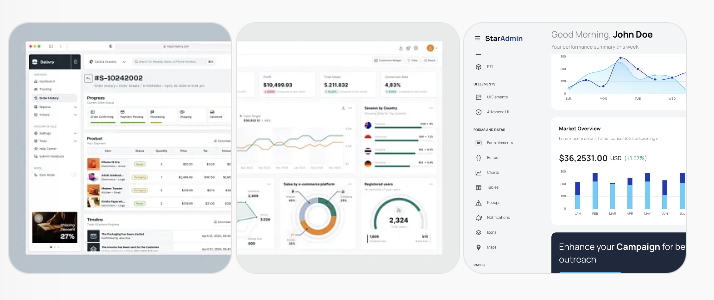
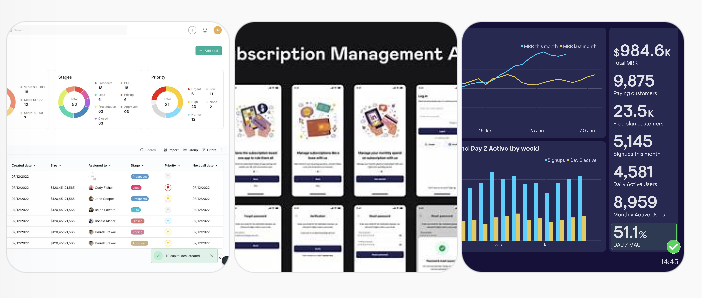
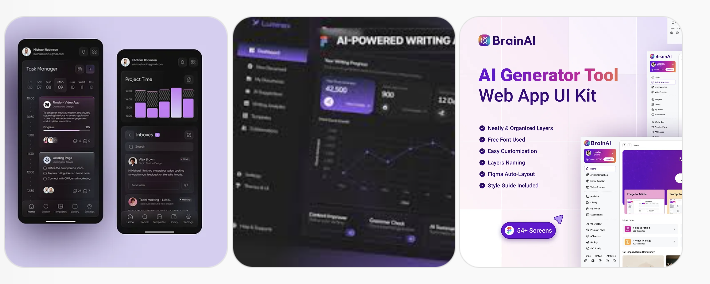
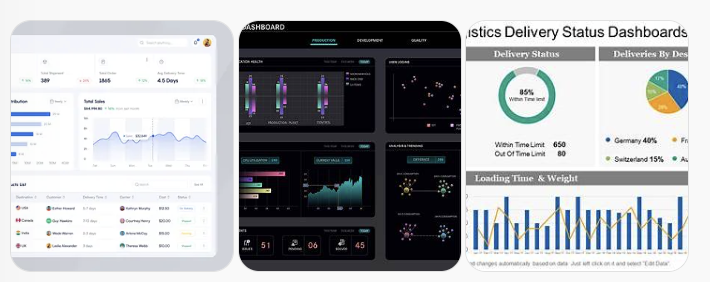
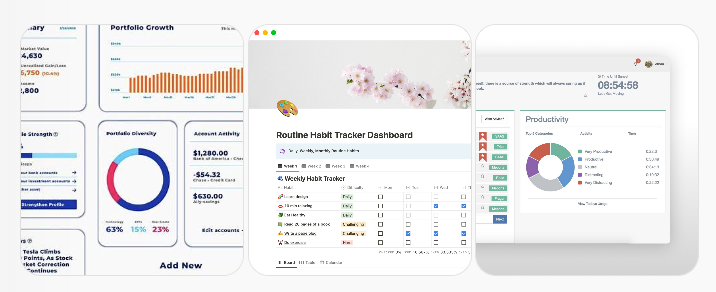
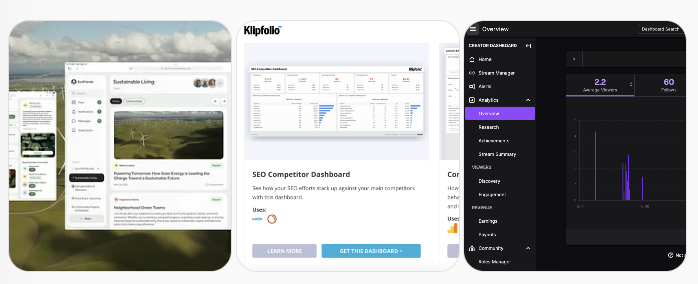
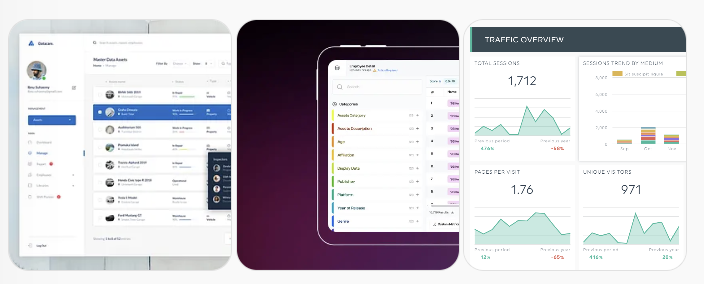
Internal dashboards
SaaS MVPs
Admin panels
CRUD-heavy business tools
AI-assisted productivity apps
In short: high-value, low-glamour software—the kind that businesses rely on but hate building slowly.
1. Internal Dashboards (The “Sweet Spot”)
Examples
Sales performance dashboard
Marketing funnel analytics
Customer support metrics
Revenue / churn / MRR tracking
Why it works well
Mostly CRUD + charts
Supabase tables map 1:1 to UI components
MCP lets Cursor reason about schema changes safely
RLS is simple (read-only or role-based)
👉 These are exactly like the demo app, just different data.
2. SaaS MVPs (Fast Validation Builds)
Examples
Lightweight CRM
Team task manager
Feedback collection tool
Bug/issue tracker
Content calendar
Why this methodology shines
Cursor can scaffold auth + tables + policies
Supabase gives auth, storage, realtime, Postgres
You can ship a usable MVP in days, not weeks
👉 Ideal for founders validating ideas quickly.
3. AI-Augmented Tools (Human + AI Loop)
Examples
AI writing editor with saved drafts
Resume analyzer & tracker
Meeting notes + insights app
Prompt library manager
Why it works
Supabase stores structured AI outputs
Cursor refactors schemas as prompts evolve
MCP keeps the agent “aware” of real DB state
👉 The AI builds and powers the product.
4. Operations & Back-Office Apps
Examples
Inventory tracking
Order fulfillment dashboards
Vendor management
Expense approval workflows
Why it fits perfectly
Schema-heavy, logic-light
Lots of iteration on tables → MCP excels here
RLS policies map to business rules
👉 Traditionally painful apps become trivial.
5. Personal & Solo-Founder Tools
Examples
Personal finance tracker
Habit & goal tracking
Freelance income dashboard
Job application tracker
Why it’s powerful
You control schema evolution
Local Supabase = zero fear experimentation
Cursor fixes breakages instantly
👉 Great for learning and daily use.
6. Community & Content Platforms
Examples
Niche community forums
Creator analytics dashboards
Paid newsletter backends
Course management systems
Why it scales
Supabase handles auth + RLS well
MCP lets Cursor add features without schema drift
Easy to layer monetization later
A Shift in How We Build Software
This workflow doesn’t replace developers. It changes their role.
You’re no longer typing everything by hand. You’re:
Reviewing decisions
Guiding architecture
Iterating on product behavior
The combination of Cursor Agent, Supabase, and MCP represents a meaningful shift—from writing code to orchestrating systems.
And once you experience that speed, it’s hard to go back.