What is NotebookLM
NotebookLM is an AI‑powered “note‑taking / research assistant” application.
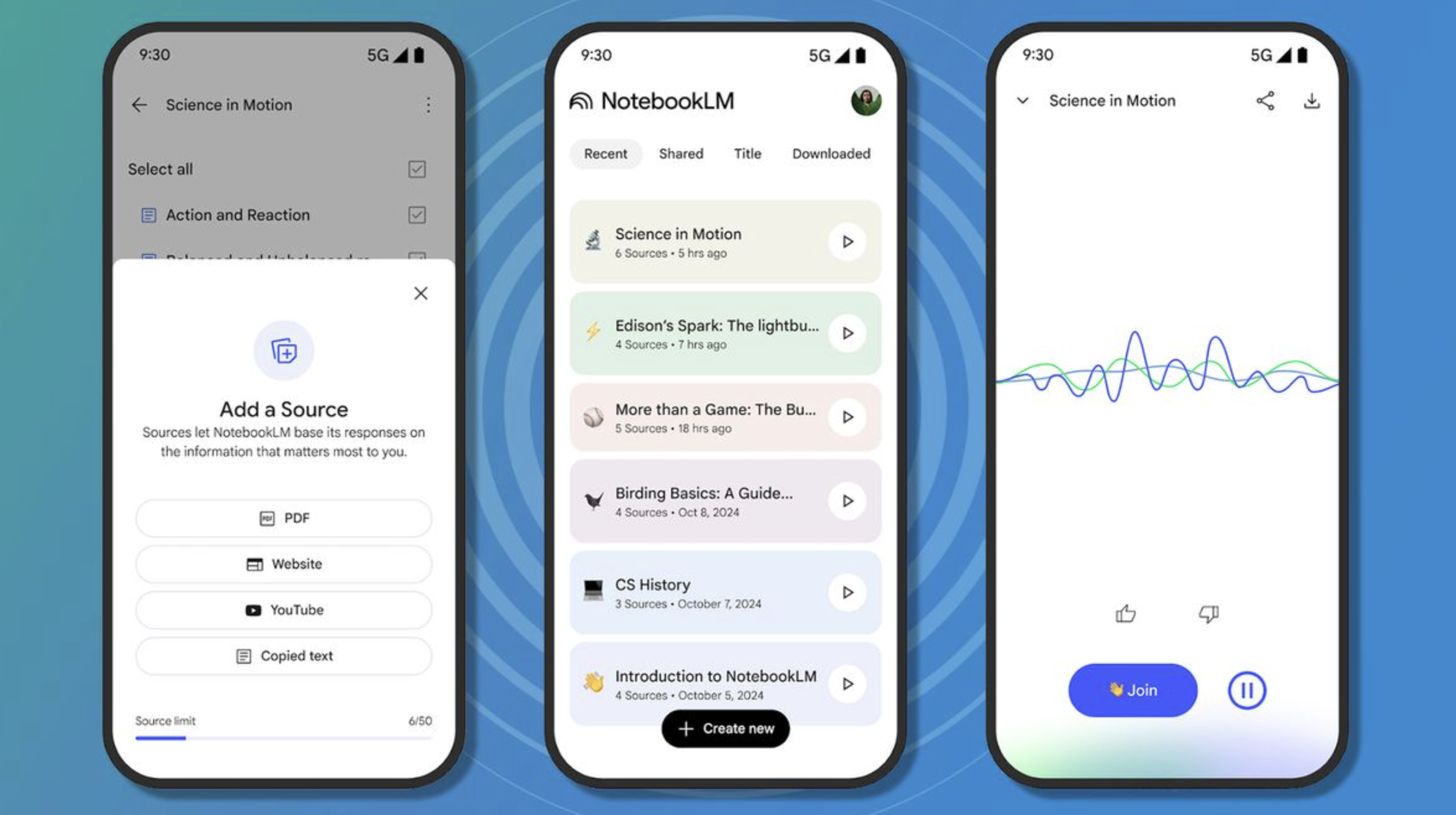
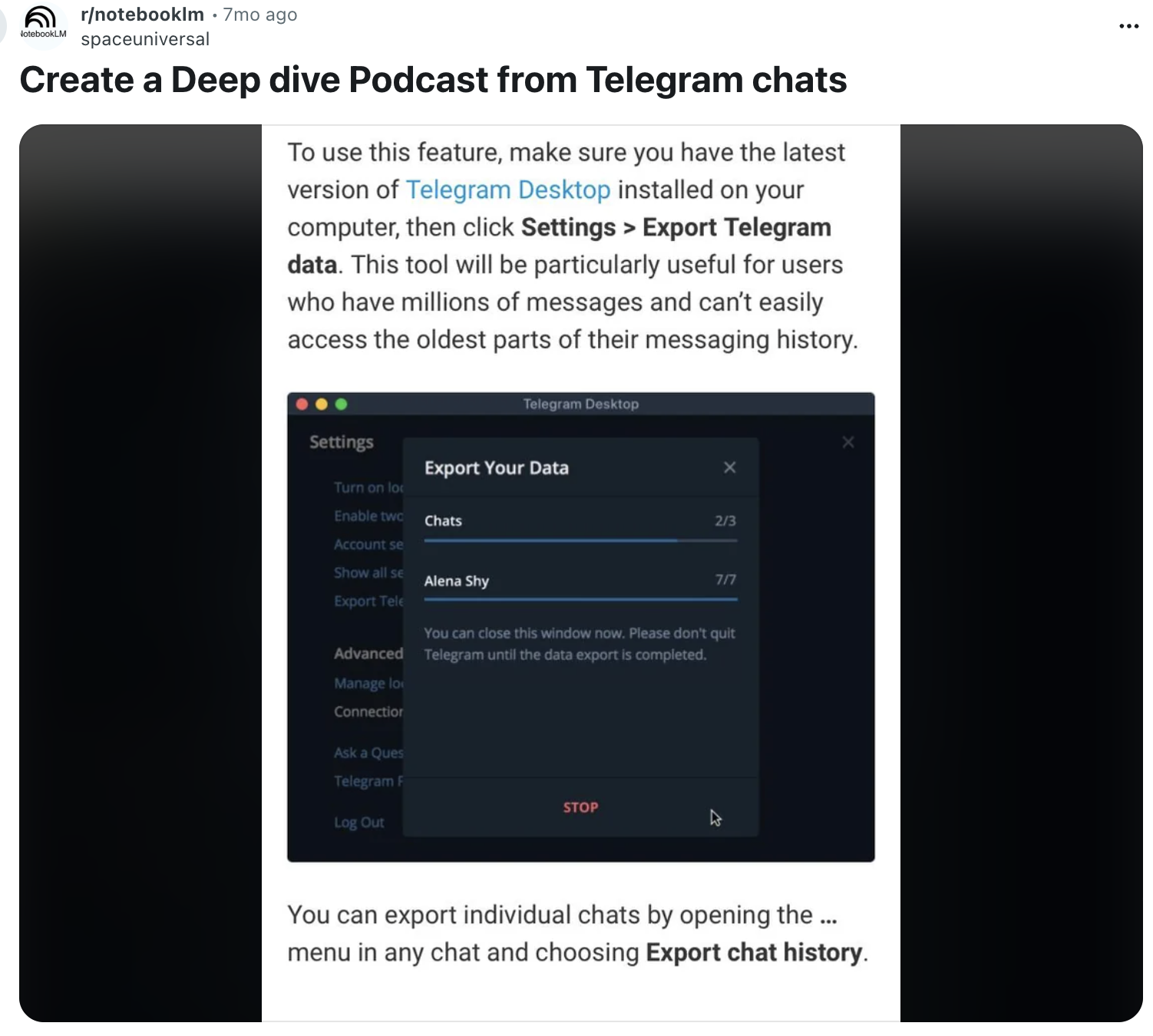
It lets you upload a wide variety of source materials — PDFs, documents, web articles, slide decks, etc. — and then uses AI to parse, summarise and index them.
Rather than being a simple doc‑storage tool, NotebookLM works as a “smart” knowledge‑base: you can ask it questions about the contents, request summaries, generate outlines, study guides or flashcards, and more.
It offers a unified interface: a “Sources” panel to view uploaded content; a “Chat” panel to ask questions or discuss the material with AI; and a “Studio” panel to create derived content (summaries, guides, etc.) from the sources.
Why NotebookLM Is a Great Knowledge Base
— It turns raw documents into actionable knowledge fast
Instead of manually reading PDFs, articles or long reports and extracting key ideas yourself, NotebookLM automates that process. It condenses long texts into concise summaries or key‑point outlines — saving time and allowing you to focus on insight rather than slogging through content.
— You can interact with the content naturally
Rather than search by keyword or folder name, you can ask NotebookLM questions in plain language, like “What are the main arguments in this report?” or “Summarise this section for me.” The responses come grounded in your uploaded sources — with citations — giving you more confidence in accuracy than a generic LLM that draws on unknown data.
— It supports many formats and unifies scattered company/personal knowledge
Because NotebookLM accepts PDFs, documents, webpages, slide decks etc., it can absorb many types of content in a single “notebook.” That means you can centralize different information silos — research, policies, project notes — making it a useful knowledge hub for a team or organisation.
— Versatile output types for different needs
Depending on how you want to consume or use information, NotebookLM can produce: summaries, study guides, flashcards, Q&A, structured outlines — even audio overviews of the content. That flexibility makes it valuable whether you’re in learning mode, preparing a briefing, drafting a report or onboarding new teammates.
— Good for both individual and collaborative workflows
For individuals: it helps manage personal reading, learning, research projects, or complex documents. For teams or organisations: it can act as a shared, searchable “knowledge base,” enabling collective access to documentation, past analyses or reference material — reducing duplication and improving information retention.
Why It Matters (Especially for Professionals like You)
Given your background — combining enterprise, security, and content/visibility work — NotebookLM can serve as a powerful, trusted internal knowledge tool. For example:
You could build a secure repository of research reports, policy documents, audits, technical papers — and let your team query them easily without losing context or detail.
For vendor/vendor‑partner analysis, you can aggregate different documents (specs, contracts, vendor material) and quickly obtain summaries or spot key clauses.
For content work (e.g. preparing thought‑leadership articles, white‑papers, visibility pieces), it can dramatically reduce time spent reading background material — you get to reasoning and drafting faster.
Its ability to tie AI output to your sources (source grounding) aligns well with compliance, auditability, and sustaining quality — particularly relevant in a healthcare / security‑conscious environment.
Featured